> For the complete documentation index, see [llms.txt](https://dev.pointr.tech/llms.txt). Markdown versions of documentation pages are available by appending `.md` to page URLs; this page is available as [Markdown](https://dev.pointr.tech/features/wayfinding/accessible-wayfinding/accessible-wayfinding-mode.md).
# Accessible Wayfinding Mode
This guide introduces the Accessible Wayfinding Toggle, allowing users to easily switch on step-free wayfinding across iOS, Android, and Web.
Pointr Maps® offers Accessible Wayfinding directions, which can be toggled on by the user. This provides step-free directions so that those in wheelchairs or other mobility restrictions are able to reach their destionations without stairs. The directions are also provided as relative directions which do not require looking at the map - "go straight" instead of "follow the line."
## How it works
* The toggle appears at the start of the wayfinding journey.
* Users can turn accessibility mode **on or off with one tap**.
Mobile SDK (iOS & Android)
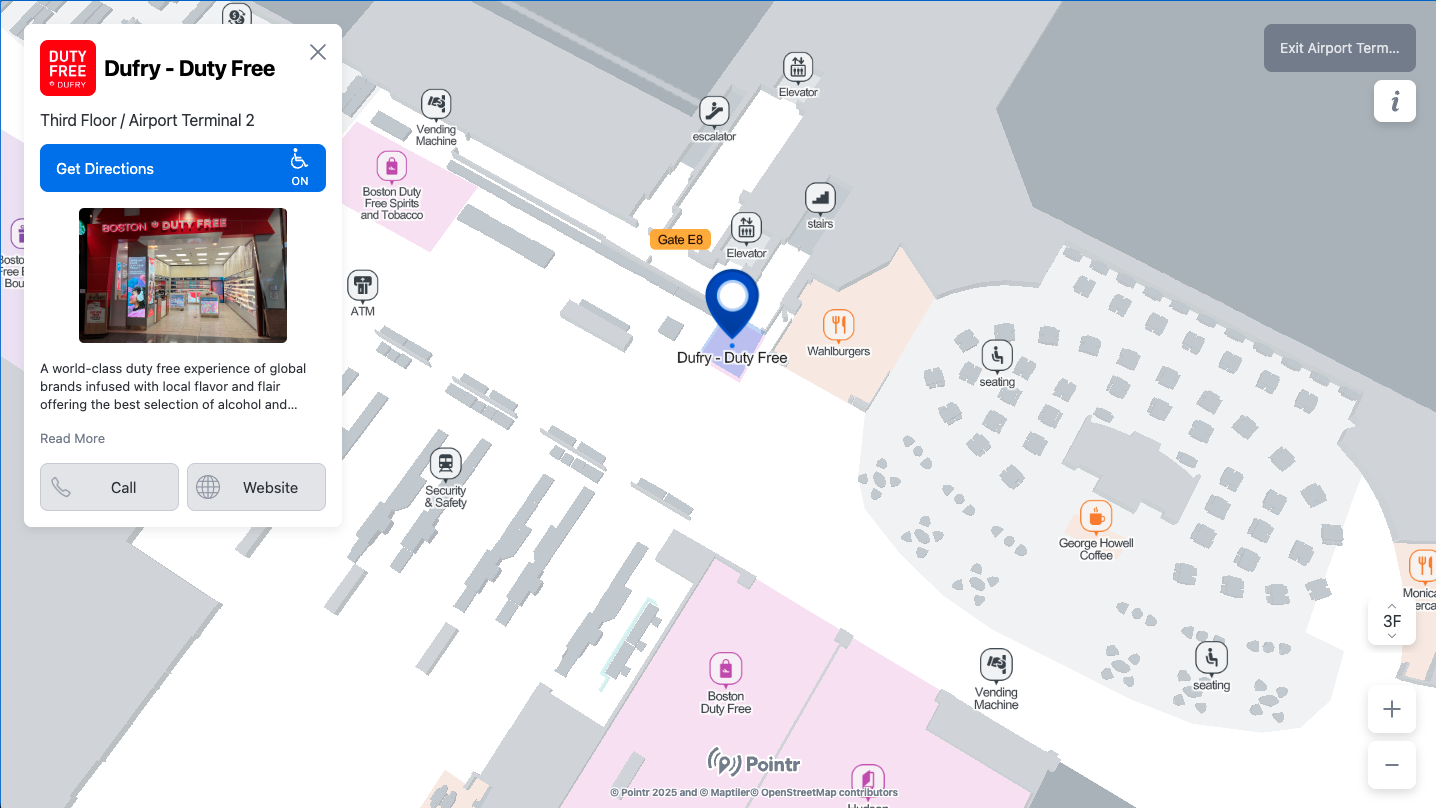
Web SDK (Desktop & Kiosk)
Provides turn-by-turn directions with real-time Blue Dot location.
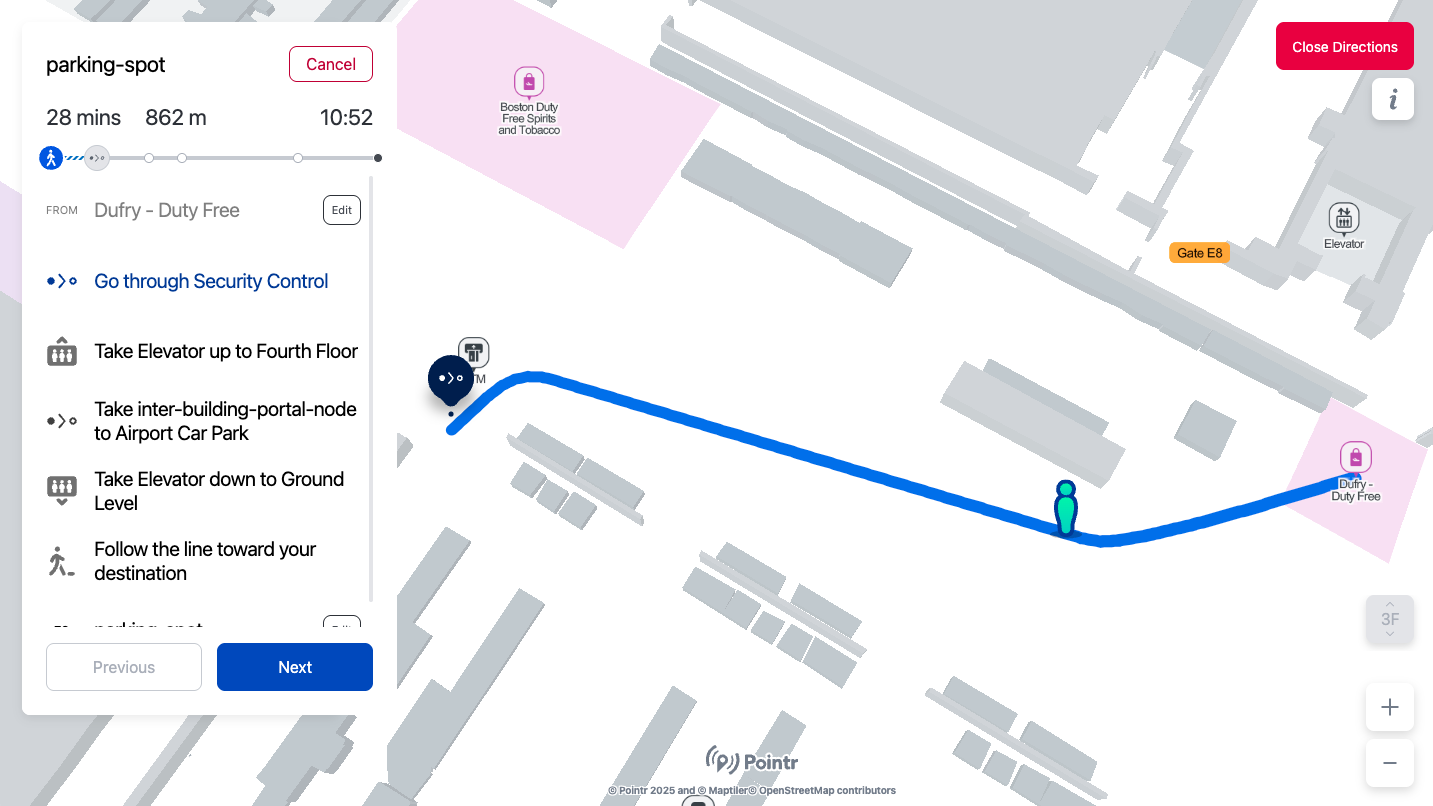
Displays static accessible routes on-screen.
## Mobile SDK
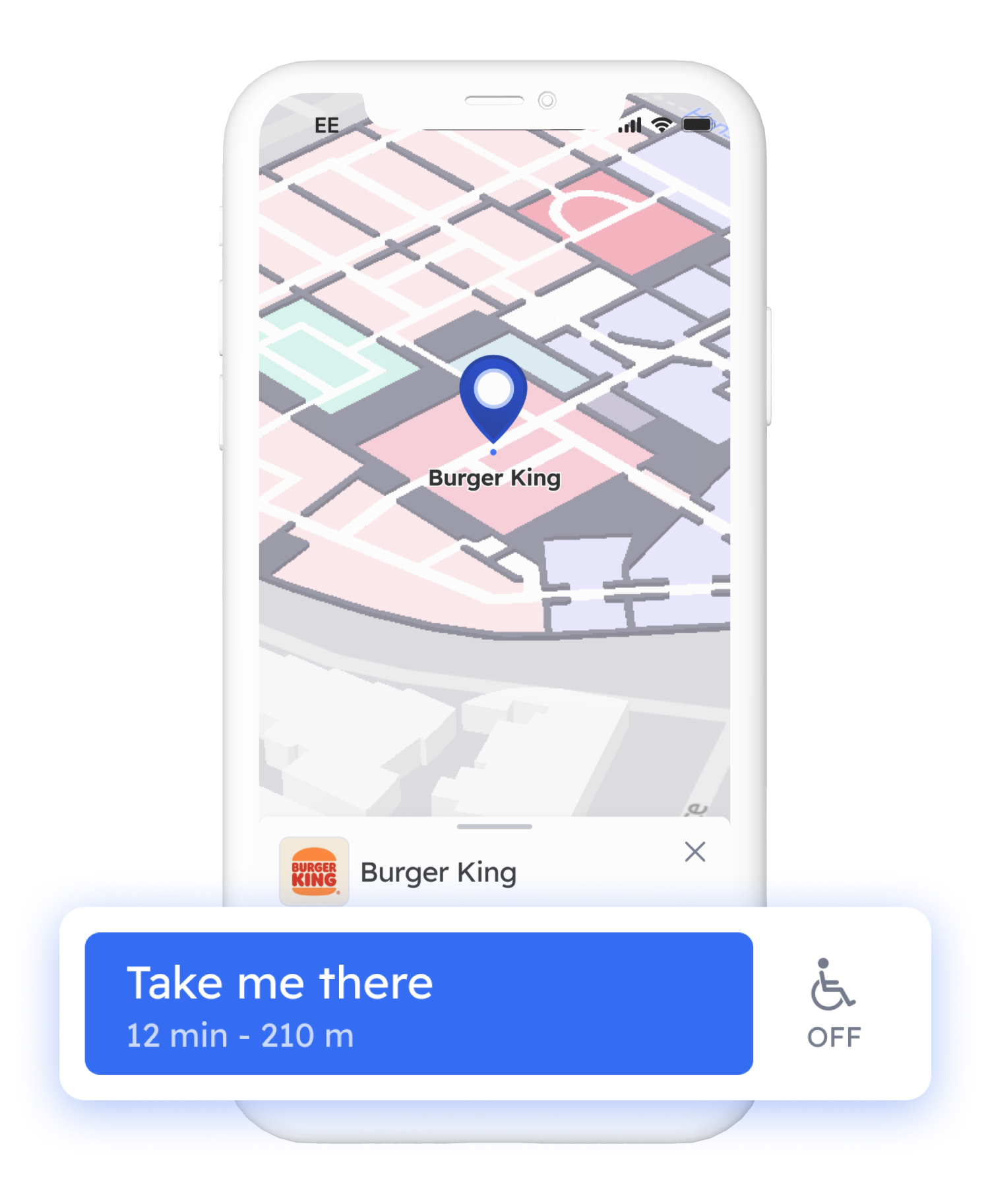
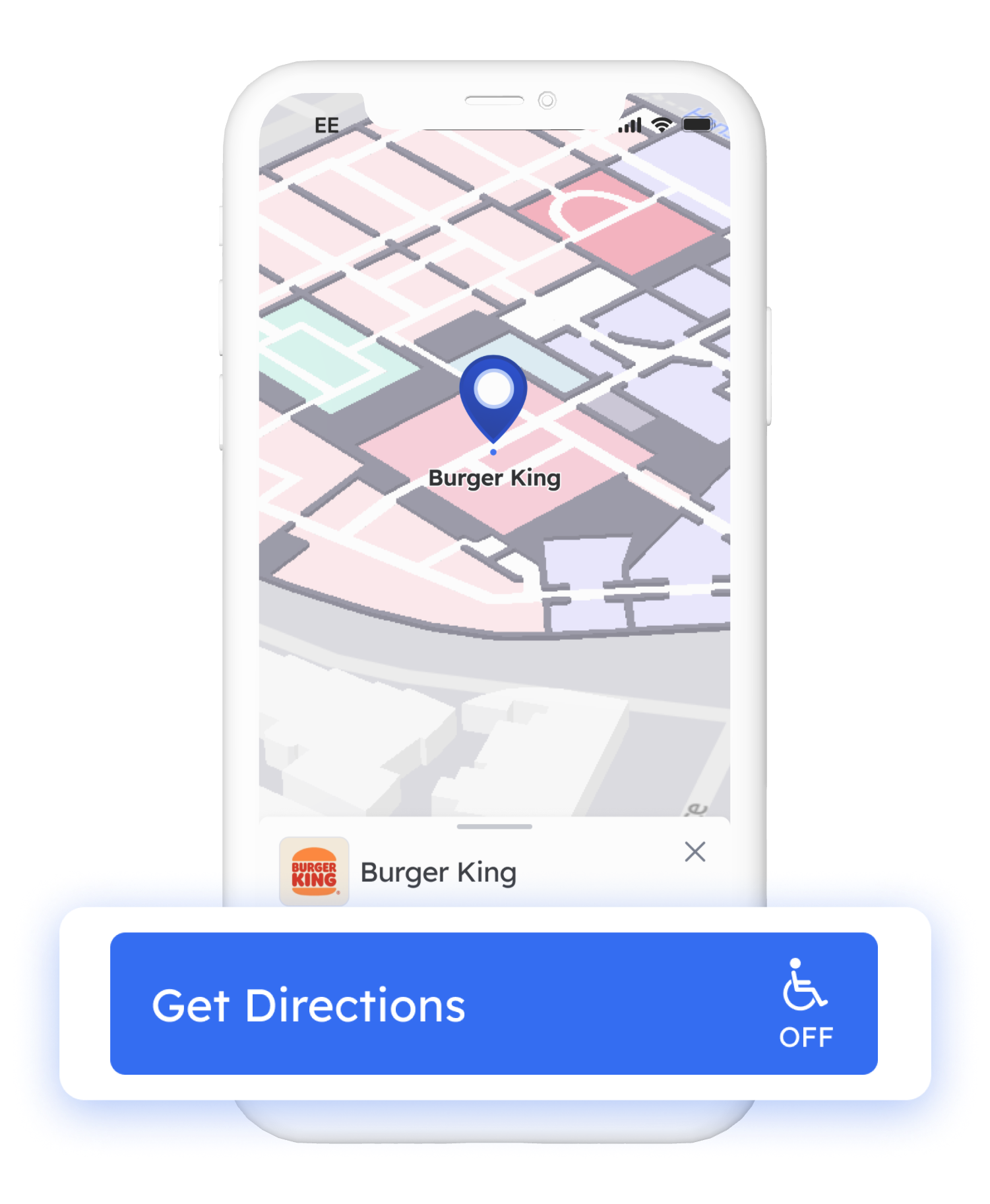
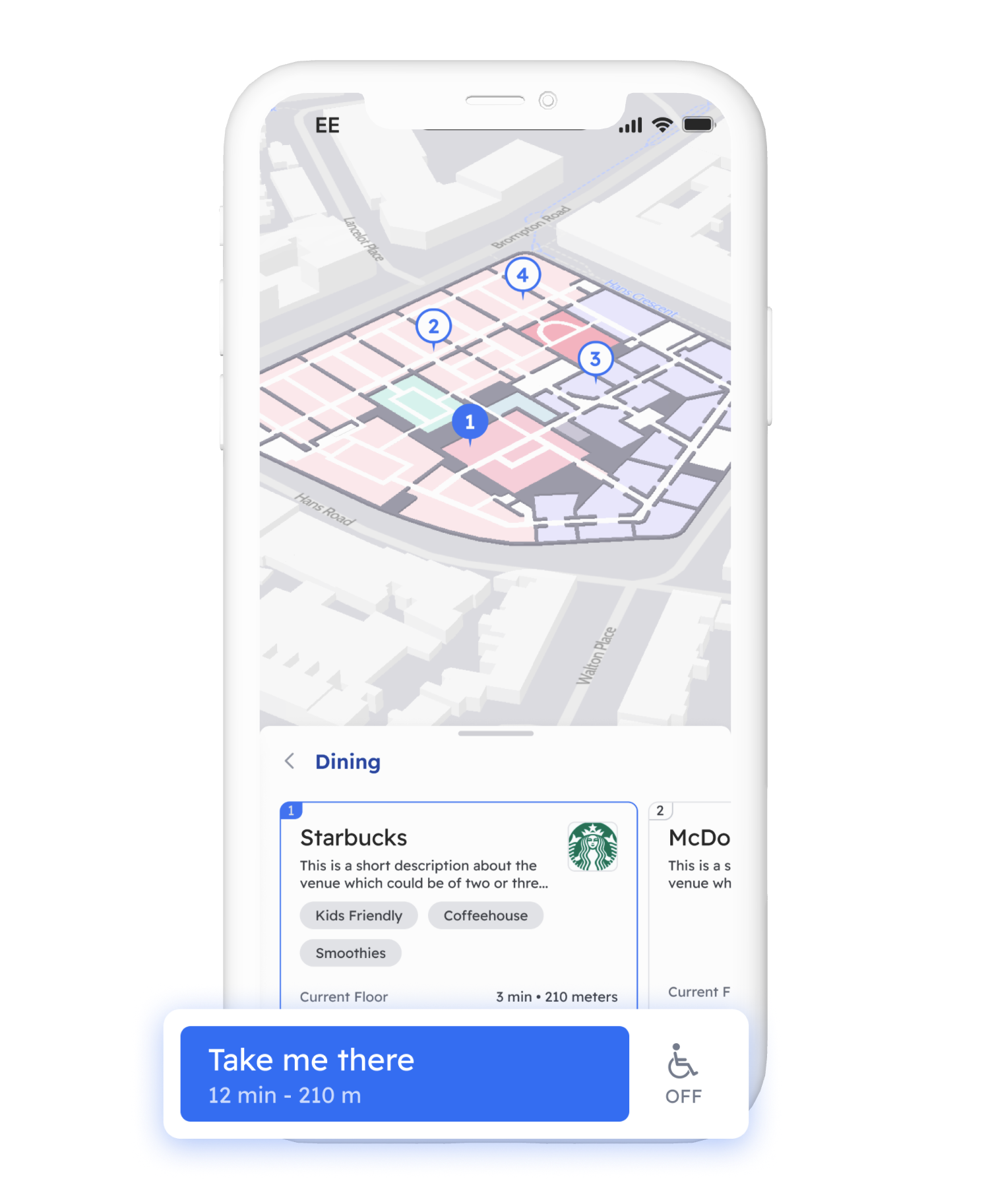
For mobile users (iOS, Android), turn-by-turn accessible wayfinding is available with real-time location (blue dot).
Disable Accessible Mode
Enable Accessible Mode
Enable via POI Carousel
## Web SDK
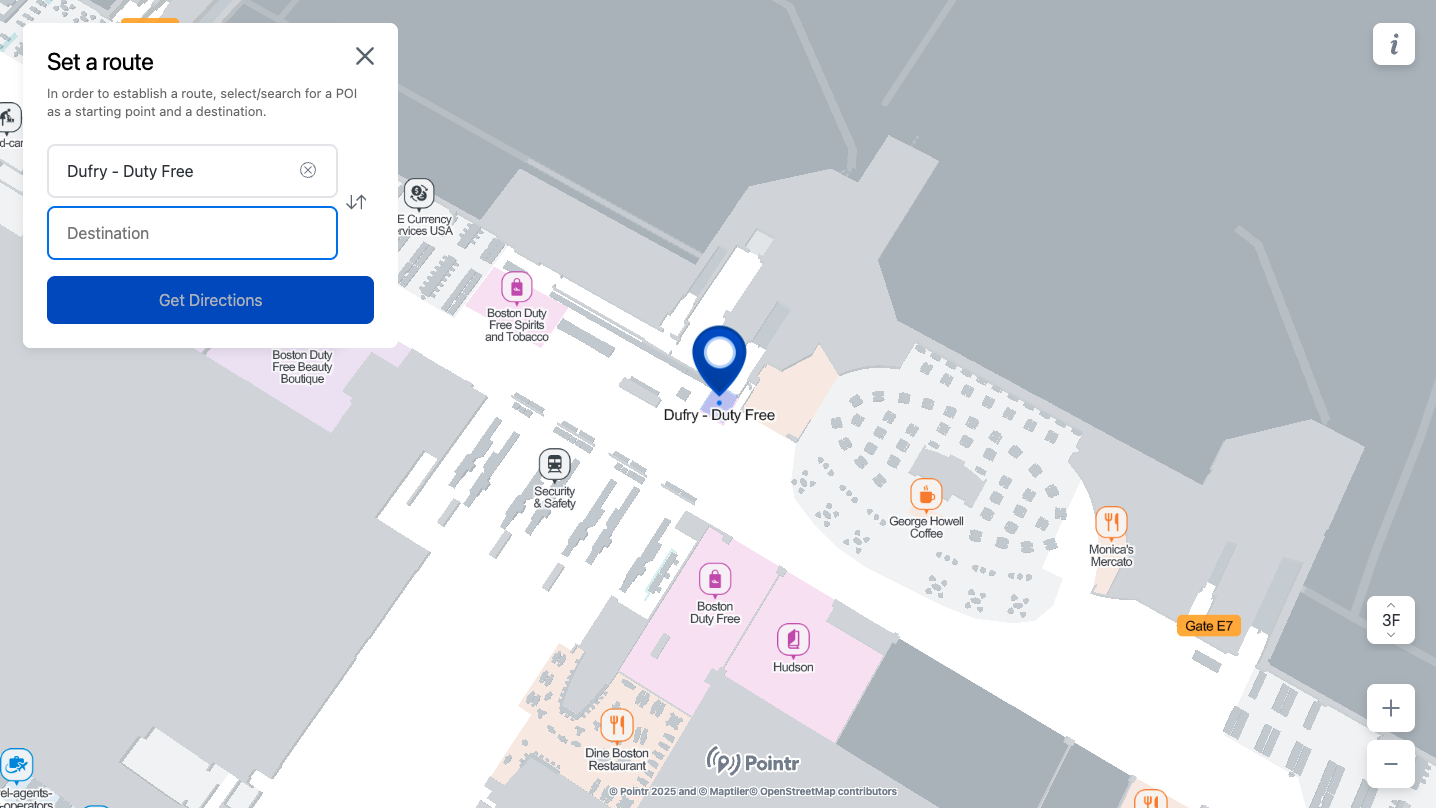
You can enable accessible wayfinding automatically by adding `ShouldStartAccessibilityEnabled=true` to your Web SDK URL. Combine this with other query parameters depending on your use case.
Placeholder Reference
| Parameter | Description |
| --------------------------------- | --------------------------------------------- |
| `SiteInternalIdentifier` | Internal ID of the site |
| `HighlightPoiIdentifier` | POI to highlight |
| `NavigationStartPoi` | Start POI for navigation |
| `NavigationDestinationPoi` | Destination POI for navigation |
| `ShouldStartAccessibilityEnabled` | Enables accessible routing when set to `true` |
### **Highlight a POI in Accessibility Mode**
```url
https://yourWebSDKLink.com?
SiteInternalIdentifier=&
HighlightPoiIdentifier=&
ShouldStartAccessibilityEnabled=true
```
[**Link to a Demo**](https://sales-demo-v9.pointr.cloud/websdk.html?ptrSiteInternalIdentifier=eece8496-01f3-4a1d-bebb-e2a2ab7ba14e\&ptrHighlightPoiIdentifier=84d72412-1150-4492-ae2a-660dec60a473\&ptrShouldStartAccessibilityEnabled=true)
### Start Accessible Wayfinding from a POI
```url
https://yourWebSDKLink.com?
SiteInternalIdentifier=&
NavigationStartPoi=&
ShouldStartAccessibilityEnabled=true
```
[**Link to a Demo**](https://sales-demo-v9.pointr.cloud/websdk.html?ptrSiteInternalIdentifier=eece8496-01f3-4a1d-bebb-e2a2ab7ba14e\&ptrNavigationStartPoi=84d72412-1150-4492-ae2a-660dec60a473\&ptrShouldStartAccessibilityEnabled=true)
### **Start Accessible Wayfinding Between Two POIs**
```url
https://yourWebSDKLink.com?
SiteInternalIdentifier=&
NavigationStartPoi=&
NavigationDestinationPoi=&
ShouldStartAccessibilityEnabled=true
```
[**Link to a Demo**](https://sales-demo-v9.pointr.cloud/websdk.html?ptrSiteInternalIdentifier=eece8496-01f3-4a1d-bebb-e2a2ab7ba14e\&ptrNavigationStartPoi=84d72412-1150-4492-ae2a-660dec60a473&\&ptrNavigationDestinationPoi=3e0174a4-c3de-46a8-a885-f08b30c2cdf3\&ptrShouldStartAccessibilityEnabled=true)
{% hint style="info" %}
See the [Start Wayfinding Guide](broken://pages/Bi9ESnDxU8hWk3Fbu0Rr) and [Web – Quick Start ](broken://pages/RYgPFfExjrqenatDBstZ)for full parameter usage, combinations, and advanced setup.
For more information on Accessibility, please see our [Accessibility Statement](broken://pages/r2EMdAaOsNXfIHMzbESL).
For step-by-step instructions on making routes accessible in the Pointr Cloud Dashboard, please see our guide on [Managing Wayfinding Network](https://dev.pointr.tech/features/wayfinding/managing-wayfinding-network.md).
{% endhint %}
---
# Agent Instructions
This documentation is published with GitBook. GitBook is the documentation platform designed so that both humans and AI agents can read, navigate, and reason over technical content effectively. Learn more at gitbook.com.
## Querying This Documentation
If you need additional information that is not directly available in this page, you can query the documentation by asking a question.
Perform an HTTP GET request on the following URL with the `ask` and `goal` query parameters:
```
GET https://dev.pointr.tech/features/wayfinding/accessible-wayfinding/accessible-wayfinding-mode.md?ask=&goal=
```
`ask` is the immediate question: it should be specific, self-contained, and written in natural language.
`goal` is what the user is ultimately trying to achieve, the reason they need the answer. Sharing it helps GitBook give you a better, more relevant answer. A goal is most helpful when it describes the outcome the user wants rather than restating the question. For example, with `ask=how do I create an API token`, a goal like `automate deployments from our CI pipeline` lets GitBook tailor the answer to that use case.
The response will contain a direct answer to the question and relevant excerpts and sources from the documentation.
Use this mechanism when the answer is not explicitly present in the current page, you need clarification or additional context, or you want to retrieve related documentation sections.